A Step-by-Step Guide to Using Git Rebase
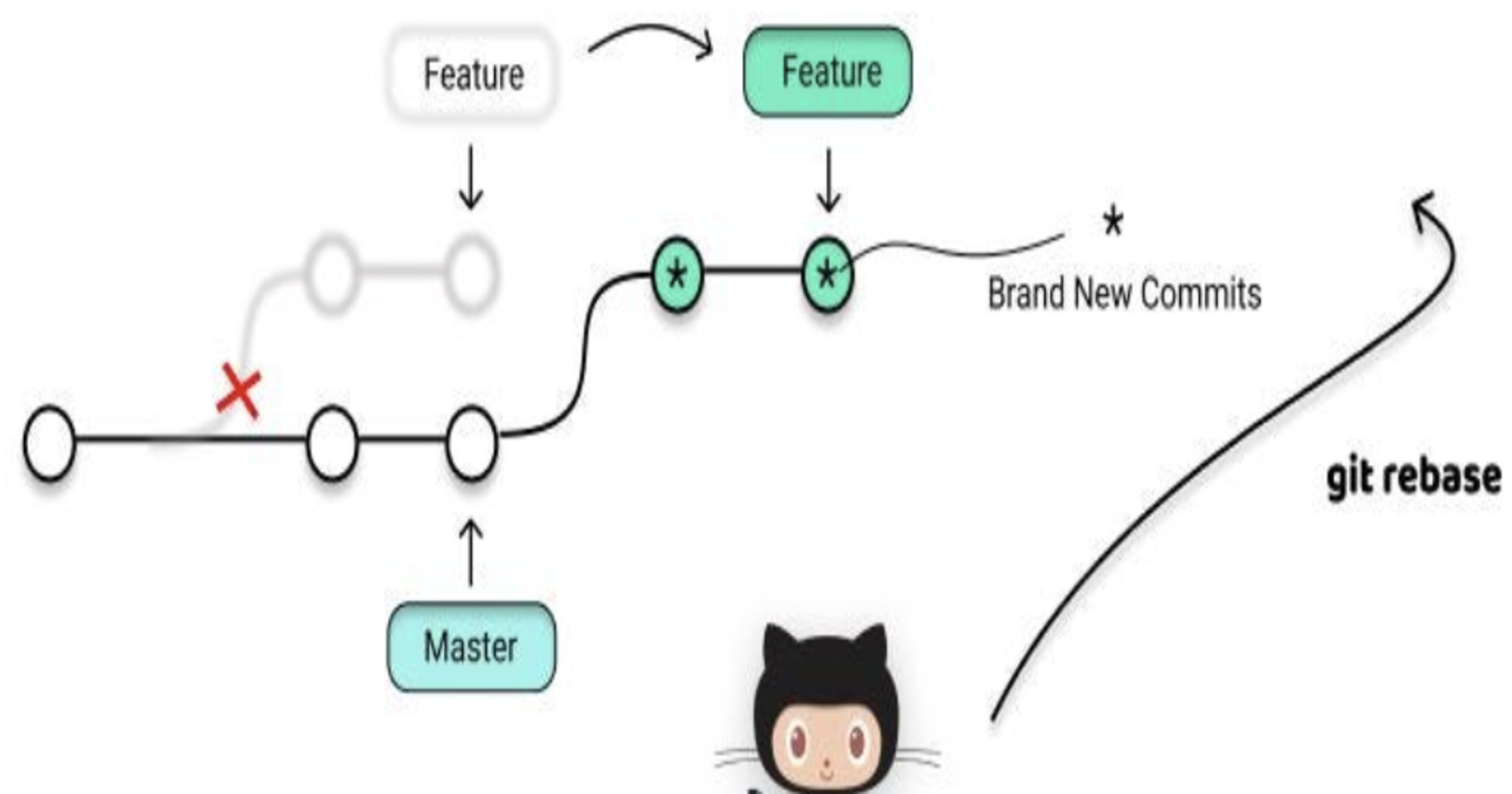
Step 1: Clone or Initialize a Git Repository
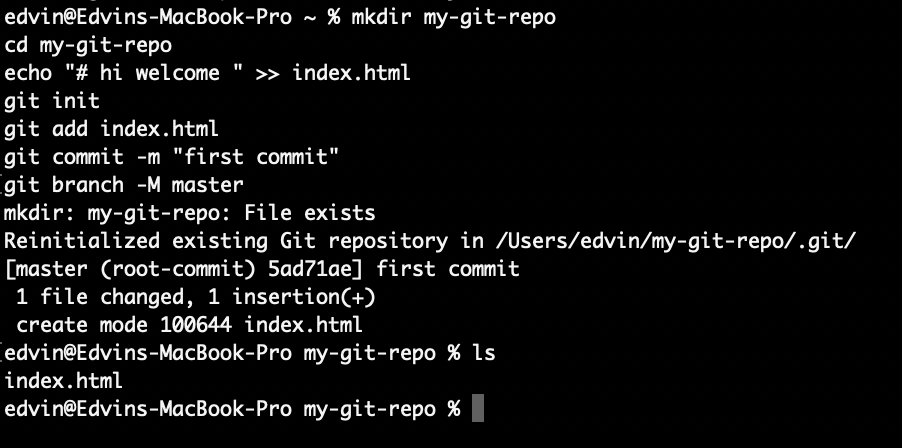
Before you can use git rebase, you need a Git repository. You can either clone an existing repository or create a new one. If you're starting from scratch, you can use the following commands:
mkdir my-git-repo
cd my-git-repo
echo "# hi welcome " >> index.html
git init
git add index.html
git commit -m "first commit"
git branch -M master
Step 2: Create a Feature Branch
For this tutorial, let's assume you are working on a feature called "new-feature" in a Git repository. Start by creating a new feature branch:
git checkout -b new-feature

Step 3: Step 2: Make Commits on the Feature Branch
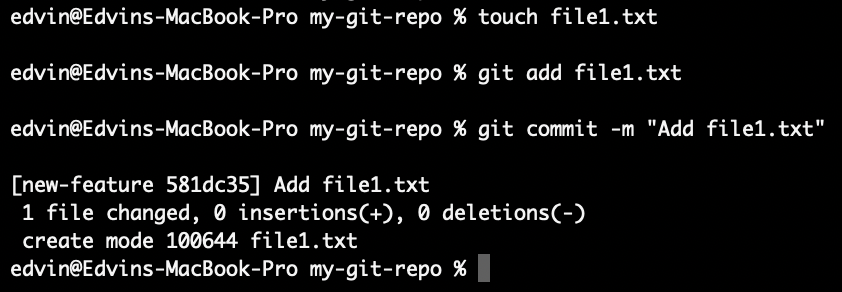
Now, make some commits on your feature branch to represent the progress of your work. For example:
touch file1.txt
git add file1.txt
git commit -m "Add file1.txt"
Step 3: Fetch the Latest Changes from the Remote Repository
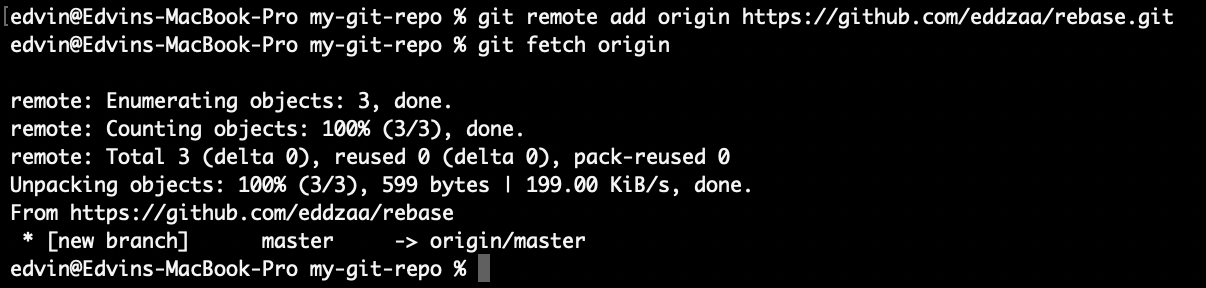
Before rebasing your feature branch, it's a good practice to fetch the latest changes from the remote repository to ensure you're up to date:
git remote add origin https://github.com/eddzaa/rebase.git
git fetch origin
Step 4: Start the Rebase
Now, let's say you want to incorporate the latest changes from the master branch into your feature branch. To do this, use the following command:
git rebase origin/master

This command tells Git to rebase your feature branch onto the latest commit in the master branch.
Step 6: Push the Rebased Branch
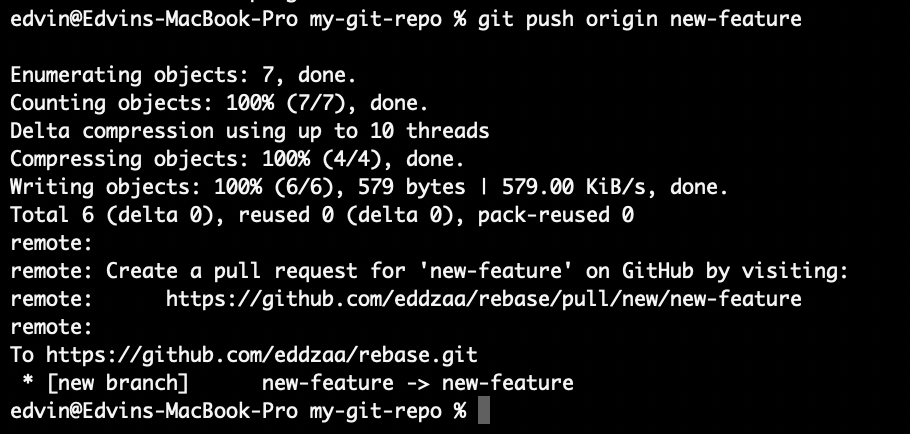
Once the rebase is complete without conflicts, push your feature branch to the remote repository:
git push origin new-feature
Step 7: Create a Pull Request
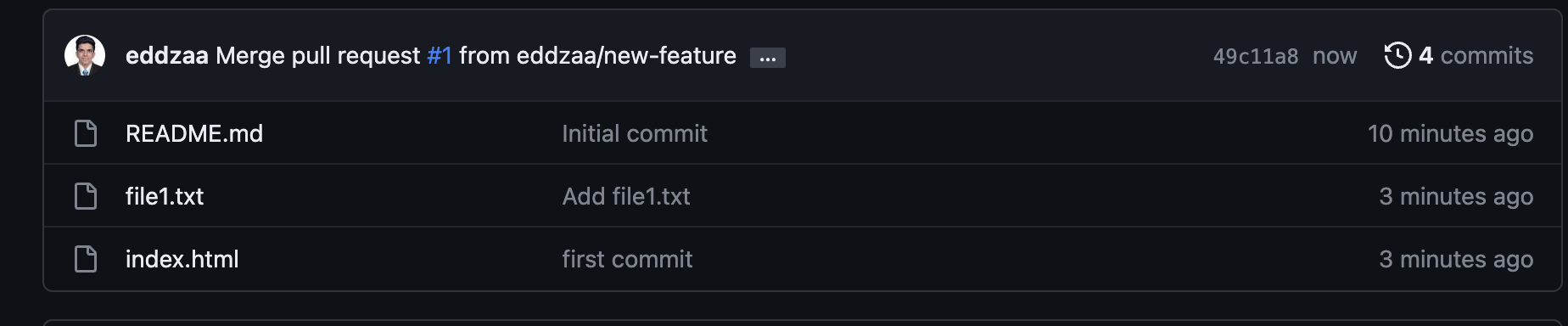
Now that your feature branch is up to date with the latest changes from the main branch, create a pull request (PR) to merge your changes into the main branch via your preferred Git hosting platform (e.g., GitHub, GitLab, Bitbucket). Collaborators can review your pull request, and once it's approved, you can merge it into the main branch.
Conclusion
In this tutorial, we've learned how to use git rebase to incorporate changes from one branch into another while maintaining a clean and linear commit history. This is a powerful Git feature that helps streamline collaboration and keeps your Git history more readable. Remember to use rebase judiciously and only when it makes sense for your workflow. Happy coding!
About the author
👩💻 DevOps engineer 🚀 | Automation enthusiast ⚙️ | Infrastructure as code | CI/CD 🌟 Let's build awesome things together!
Comments
Join the discussionNo comments yet. Be the first to comment.


